
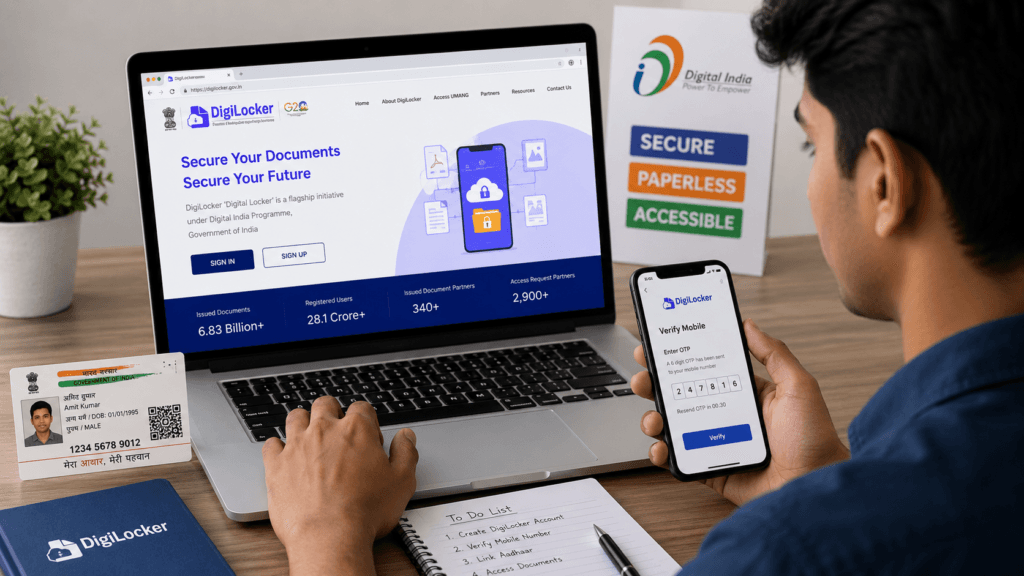
Introduction
In today’s digital era, managing important documents online has become essential. The Government of India launched DigiLocker under the Digital India initiative to help citizens store and access their documents securely in digital format. Whether you need your Aadhaar card, PAN card, driving license, or educational certificates, DigiLocker makes document storage easy and paperless. #How to Create an Account on DigiLocker 2026
If you are searching for how to create an account on DigiLocker 2026, this detailed guide will help you understand the complete registration process step by step. Even beginners can easily create a DigiLocker account by following the instructions below.
What is DigiLocker?
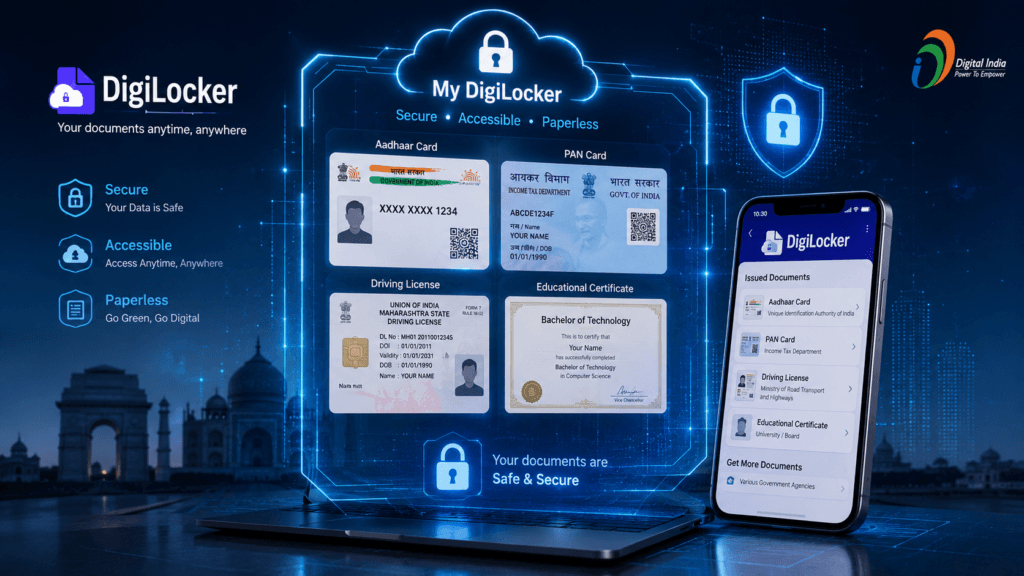
DigiLocker is a cloud-based digital document wallet developed by the Ministry of Electronics and Information Technology (MeitY), Government of India.
It allows users to:
- Store digital documents securely
- Access government-issued certificates online
- Share verified documents instantly
- Reduce physical paperwork
DigiLocker is directly linked with Aadhaar authentication, making it safe and reliable for Indian citizens.
Benefits of Creating a DigiLocker Account
Before learning the registration process, let’s understand why DigiLocker is important.
1. Secure Storage
DigiLocker provides secure cloud storage for important documents.
2. Easy Access Anytime
You can access your documents anytime using your smartphone or computer.
3. Paperless Documentation
No need to carry physical copies everywhere.
4. Government Approved
Documents issued through DigiLocker are legally valid.
5. Instant Verification
Government agencies and institutions can verify documents quickly.
Documents Required for DigiLocker Registration
Before creating your account, keep the following ready:
- Aadhaar Number
- Aadhaar-linked Mobile Number
- Smartphone or Computer
- Internet Connection
How to Create an Account on DigiLocker
Follow these simple steps carefully.
Step 1: Visit the Official DigiLocker Website
Open your browser and visit the official website: https://www.digilocker.gov.in
You can also install the DigiLocker app from:
- Google Play Store
- Apple App Store
Step 2: Click on “Sign Up”
On the homepage, click the Sign Up button.
This will open the registration page.
Step 3: Enter Your Mobile Number
Now enter your active mobile number.
Make sure the mobile number is linked with your Aadhaar card because OTP verification will be required.
Click on Continue.
Step 4: Verify OTP
You will receive a One-Time Password (OTP) on your mobile phone.
Enter the OTP correctly and click on Verify.
Once verified, your mobile number will be authenticated successfully.
Step 5: Create Username and Password
Now create:
- A unique username
- A strong password
Tips for Strong Password
Your password should include:
- Uppercase letters
- Lowercase letters
- Numbers
- Special symbols
This helps improve account security.
Step 6: Enter Aadhaar Number
After setting your credentials, enter your 12-digit Aadhaar number.
Click on Verify Aadhaar.
Step 7: Complete Aadhaar Verification
Another OTP will be sent to your Aadhaar-linked mobile number.
Enter the OTP to complete Aadhaar authentication.
Once verification is successful, your DigiLocker account will be created.
How to Login to DigiLocker
After registration, you can easily sign in anytime.
Steps to Login
- Visit DigiLocker website or app
- Click on Sign In
- Enter username or mobile number
- Enter password
- Click on Login
You can also log in using:
- Aadhaar Number
- OTP Authentication
How to Upload Documents in DigiLocker
After creating your account, you can upload personal documents securely.
Steps to Upload Documents
- Login to DigiLocker
- Open Uploaded Documents
- Click on Upload
- Select the document file
- Add document details
- Save the document
Supported File Formats
- JPG
- PNG
How to Fetch Government Documents in DigiLocker
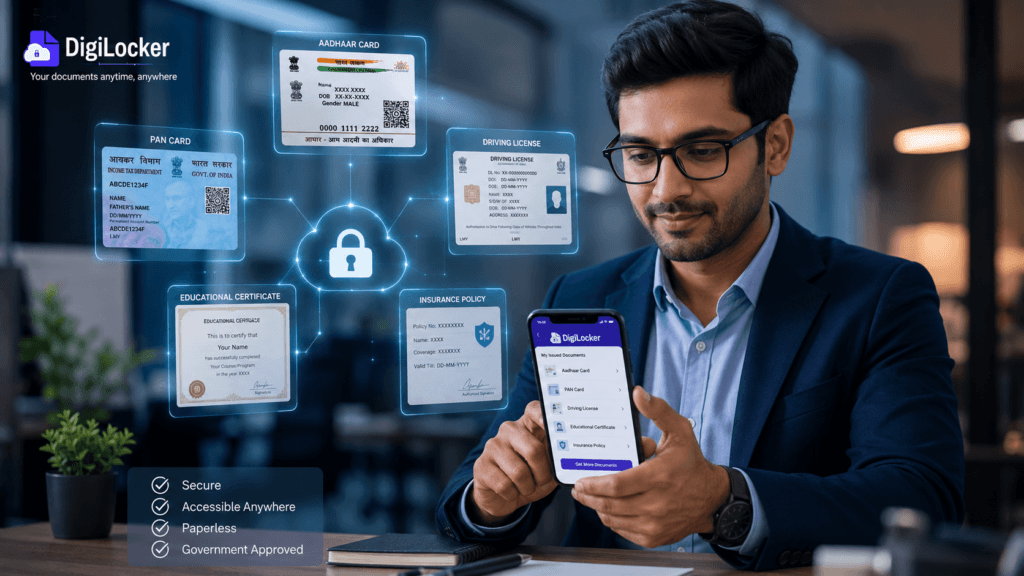
DigiLocker can automatically fetch government-issued documents.
Steps to Access Documents
- Login to DigiLocker
- Go to Issued Documents
- Select the issuing authority
- Enter required details
- Click on Fetch
You can access:
- Driving License
- Vehicle RC
- PAN Card
- Educational Certificates
- Insurance Documents
Is DigiLocker Safe?
Yes, DigiLocker is highly secure and trusted by millions of users.
Security Features
- Aadhaar Authentication
- OTP Verification
- Secure Cloud Storage
- Encrypted Data Transfer
Since it is managed by the Government of India, it follows strict security standards.
Common Problems While Creating a DigiLocker Account
Sometimes users face issues during registration. Here are common problems and solutions.
OTP Not Received
Solution
- Check mobile network
- Wait for a few minutes
- Request OTP again
Aadhaar Not Linked with Mobile Number
Solution
Visit the nearest Aadhaar Enrollment Center and update your mobile number.
Incorrect Aadhaar Details
Solution
Double-check the Aadhaar number before submitting.
Tips to Use DigiLocker Safely
Follow these safety tips for better account security.
- Never share OTP with anyone
- Use a strong password
- Logout from public devices
- Enable screen lock on your phone
- Avoid suspicious links
Why DigiLocker is Important in 2026
India is rapidly moving towards digital transformation. DigiLocker is becoming an essential platform for students, employees, and businesses.
Many institutions now prefer digital documents because they:
- Save time
- Reduce paperwork
- Improve verification speed
- Support eco-friendly initiatives
From college admissions to government applications, DigiLocker simplifies document management.
Frequently Asked Questions (FAQs)
1. Is DigiLocker free?
Yes, DigiLocker is completely free for Indian citizens.
2. Can I use DigiLocker without Aadhaar?
No, Aadhaar verification is necessary for full access.
3. Are DigiLocker documents valid?
Yes, documents in DigiLocker are legally valid under the Information Technology Act.
4. Can I use DigiLocker on mobile?
Yes, DigiLocker is available for Android and iOS devices.
5. What if I forget my password?
Also Read:
How to Identify AI Generated Images on Instagram, Facebook, X and WhatsApp: A Simple Guide
7 Early Signs of Vitamin D Deficiency You Should Not Ignore- Top 7 Signs
Rank Your Website on Google’s First Page: 5 Proven Ways Using Rank Math SEO
The best online digital marketing institute in india 2026
Conclusion
Now you know exactly how to create an account on DigiLocker 2026 step by step. DigiLocker is a secure and user-friendly platform that helps Indian citizens manage important documents digitally.
Creating a DigiLocker account takes only a few minutes and offers many benefits such as secure storage, instant access, paperless documentation, and government-approved verification.
If you have not registered yet, create your Account on DigiLocker today and enjoy hassle-free digital document management.